Measure, Optimize, and Compensate Option
Simulating the forming process for part feasibility is the first step to verifying a new design, but a critical step in this process is measuring whether the resulting part is within tolerance, and adjusting the trimming and forming tools as needed to create the exact desired part.
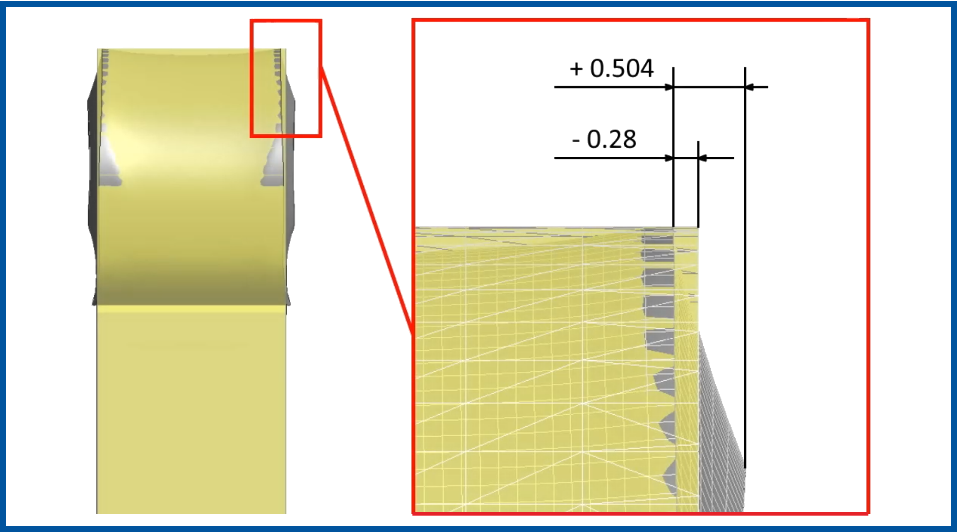
Measure and Compare
Have the ability to import CAD geometry in order to compare your formed results to the original design. This allows for functions like: checking tolerances, analyzing springback, and comparing edge geometry. Learn More
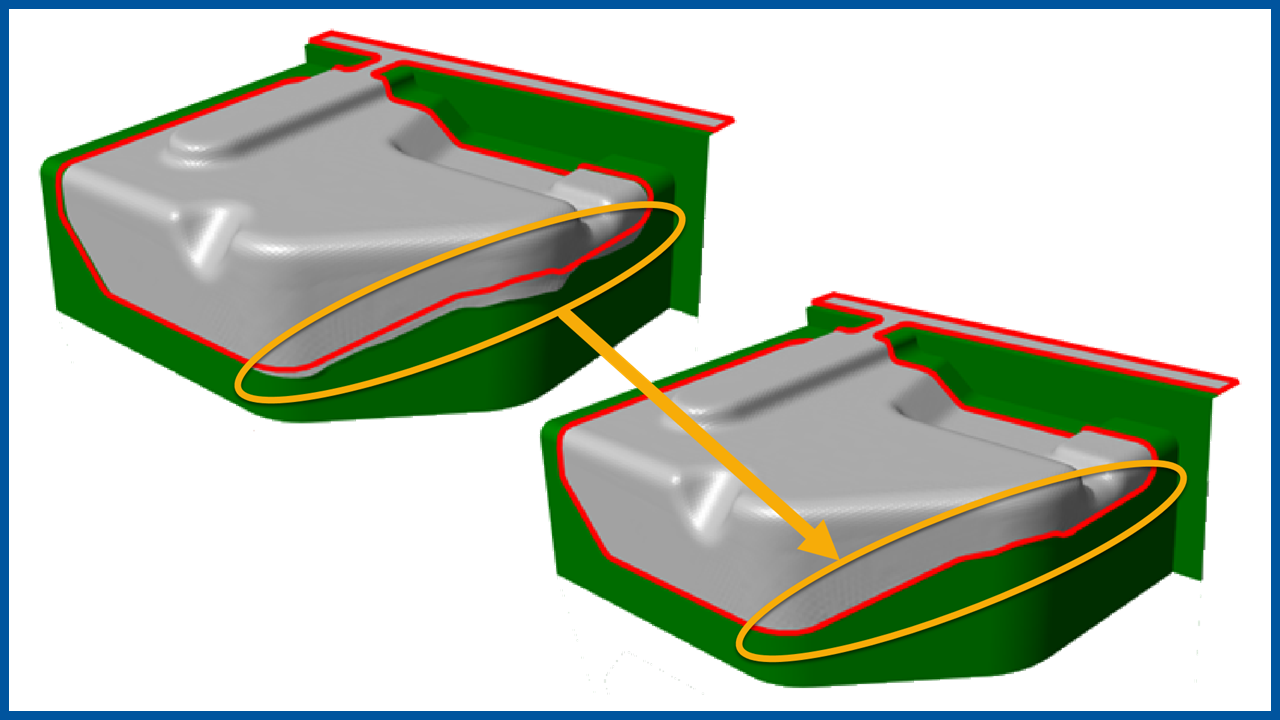
Trim Optimization
The Stampack Trim Optimizer is a fully automatic tool used to take cutting punches and blank outlines and adjust these in order to achieve a final formed part that is within the tolerances of the CAD geometry. Learn More
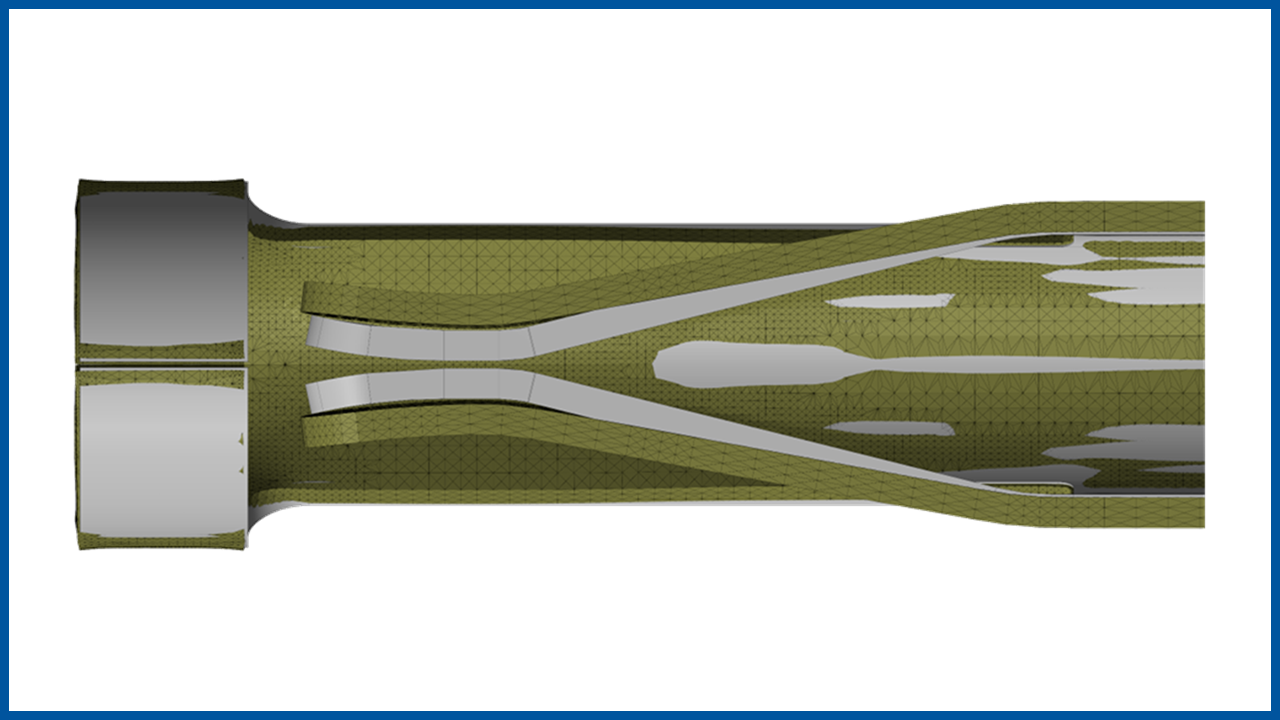
Springback Compensation
Stampack includes accurate Springback results but also offers Springback compensation where the tooling used to form the blank is automatically compensated in order to correct for the springback. This iterative process will correct the springback so that the parts coming off the press will meet your tolerances. Learn More