LogoPress Videos
Search
Webinars
View our list of past webinars covering various different topics and functionalities of LogoPress. Any upcoming webinars can be found under the Events panel on the side of our website.
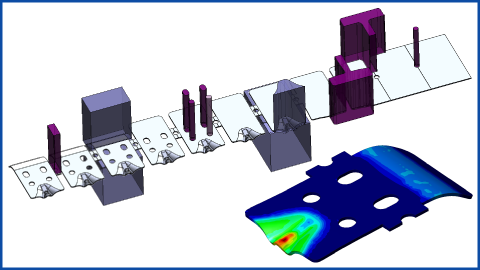
Imported Part to Simulated Strip Layout:
LogoPress/Stampack Demonstration
LogoPress/Stampack Demonstration
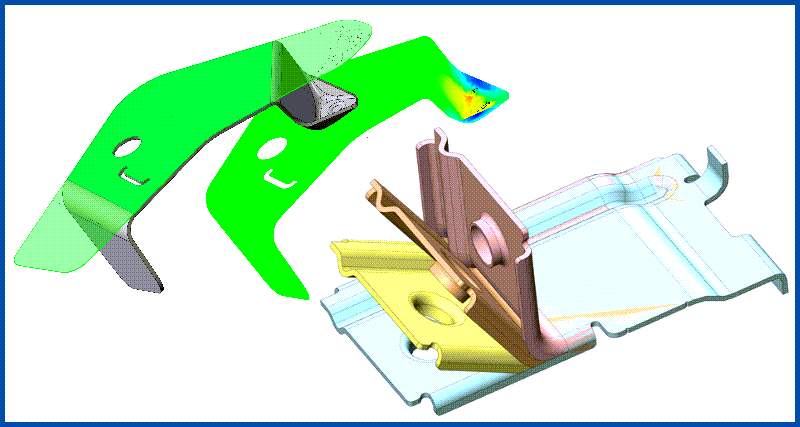
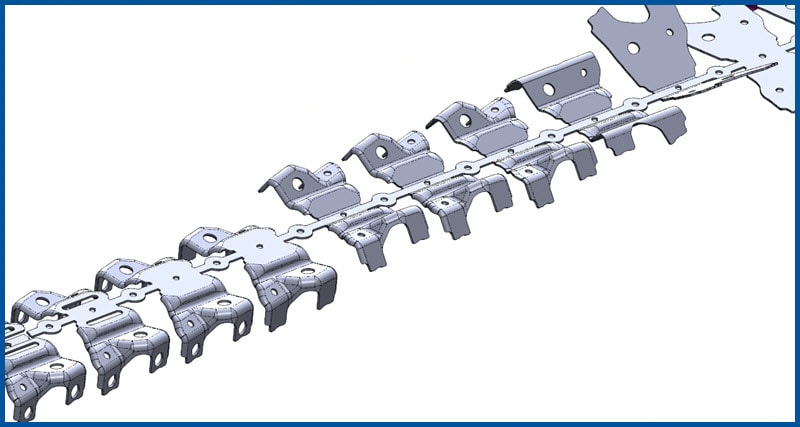
(49:57) This webinar shows the collaboration between LogoPress die design software and Stampack forming simulation software. Starting with an imported part, we progressively flatten the formed geometry and create the strip layout, including cutting and forming punches.The strip layout is then simulated to verify formability, form tooling geometry is adjusted by Stampack to compensate for springback, and the blank outline is developed automatically. Play video
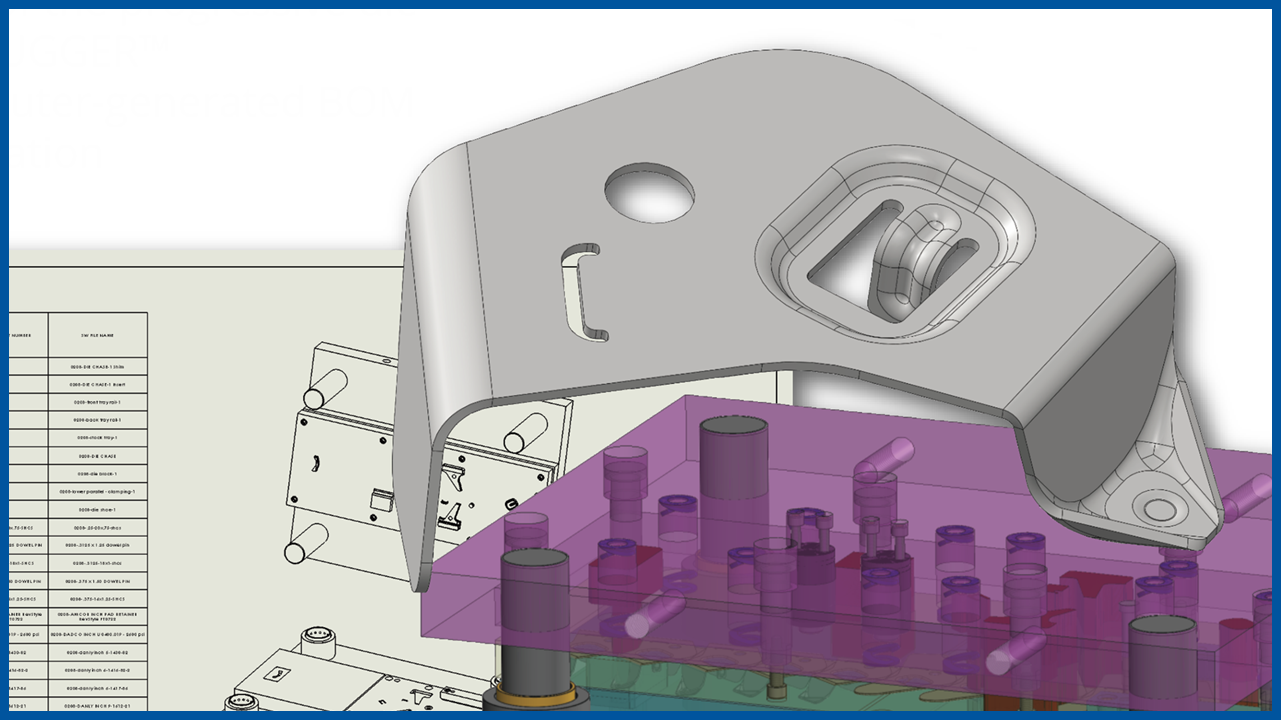
Live LogoPress DieDesign Demonstration:
Creating a Complex Strip Layout, 3D Modeling of the Die, Insert BOM, 2D Detail Drawings, Run DIE DEBUGGER™, etc.
Creating a Complex Strip Layout, 3D Modeling of the Die, Insert BOM, 2D Detail Drawings, Run DIE DEBUGGER™, etc.
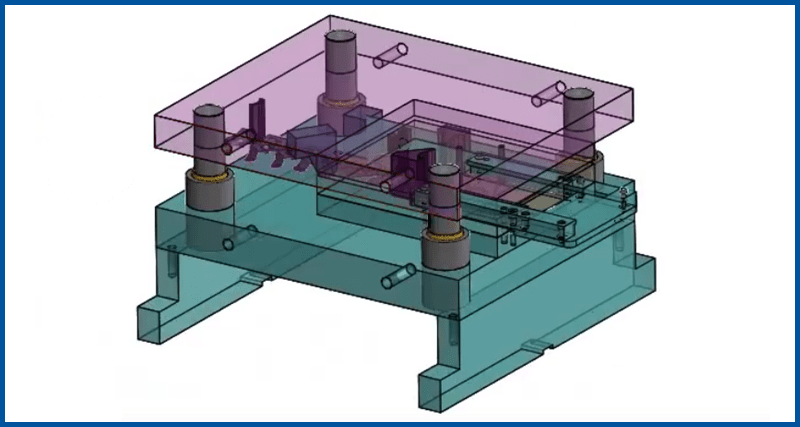
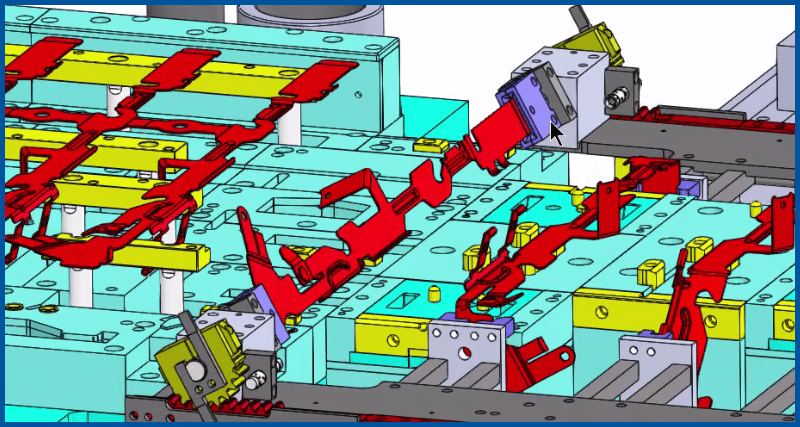
(1:04:21) MetalForming magazine and Accurate Die Design Software present—from start to finish—a live and thorough demonstration of the LogoPress DieDesign software package. Starting with only a complex, “dumb” imported part, a nearly complete strip layout is created including cutting punches and form punches. Designing around this strip layout, a substantial portion of the die assembly is created, 2D detail drawing functionality is demonstrated, and the computer-generated Bill of Materials (BOM) for the die is inserted into a 2D drawing. Play video
Video Categories
Open a category below to see various videos covering each topic.