Stampack Forming Simulation Software
Stampack is the practical forming simulation for every tool designer. This means:
- Straightforward and clear user guidance
- The user of Stampack does not need any previous knowledge about finite elements methods and material science.
- Stampack is affordable for every design department and engineering office.
Stampack allows designers and method planners to simulate forming processes to verify their die designs on the computer, reducing time spent in the tryout press and speeding up development times. The combination of shell and solid simulation in Stampack allows versatile applications. The component spectrum ranges from aluminium foils with a thickness of 0.01mm to formed parts with a sheet thickness of 1/2" and beyond. Typical products simulated with Stampack are:
- Automotive body in white parts
- Trim panels, covers and trim strips in vehicle interiors
- Connecting components and support plates
- Electrical connectors and cable guides
- Metal containers, cans, lids and caps
- Boxes for electrical, household and hydraulic appliances
- Household utensils such as baking trays, cake tins and kitchen sinks
- Heat shields and aluminium foils
Stampack Includes Two Solvers:
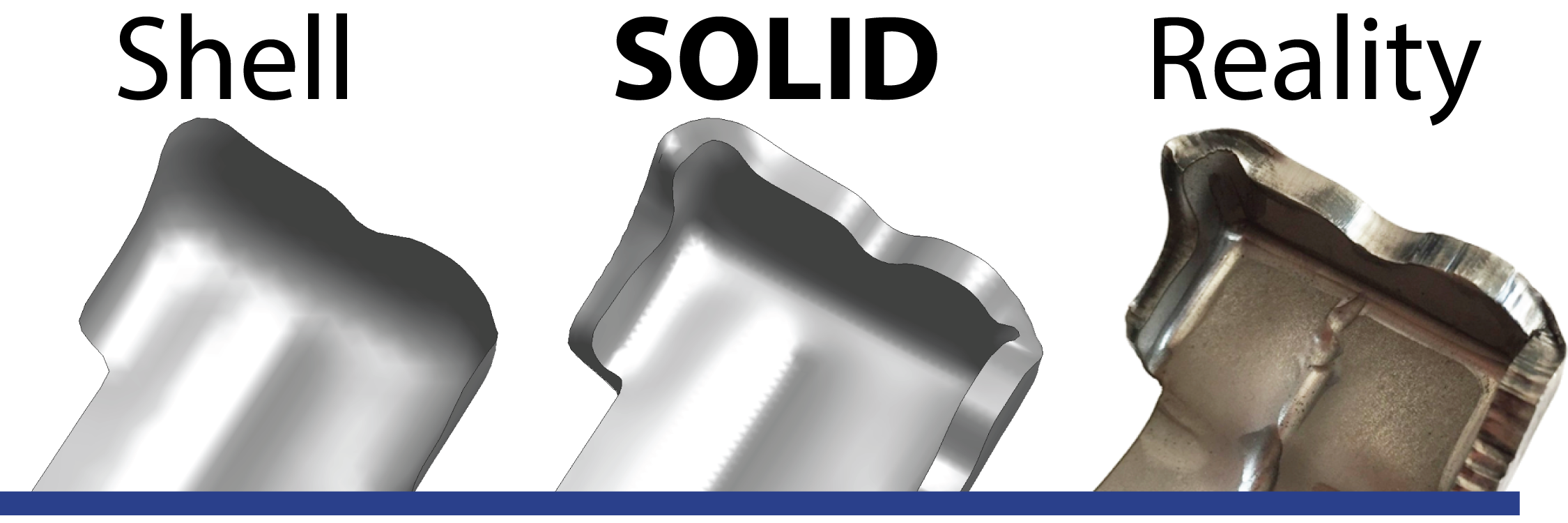
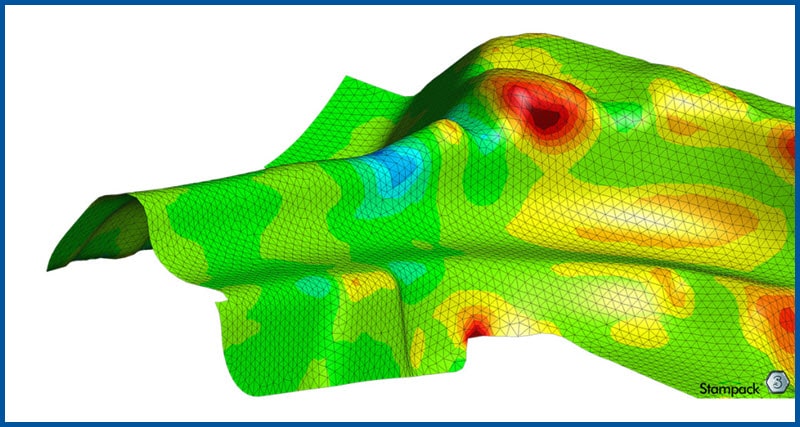
Stampack Shell Simulation
With the Shell module, Stampack offers the possibility to accurately reproduce forming processes with thin-walled sheets and large drawing radii. Due to the short calculation time, shell simulation is an industry standard in forming simulation and is widely used especially in the automotive industry. Even with thicker sheets, shell simulation is suitable for calculations and for a useful first impression. Learn More
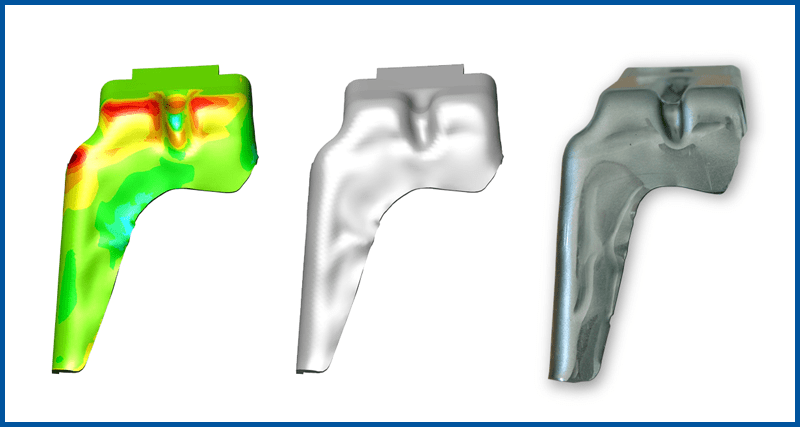
Stampack SOLID Simulation
Stampack uses solid simulation to reproduce the forming process with maximum accuracy. Forming processes with thick sheets, small radii or reduction of material thickness can only be validated reliably with solid simulation, as considerable stresses and strains occur in the thickness direction. Learn More
Expand Stampack with these add-ons:
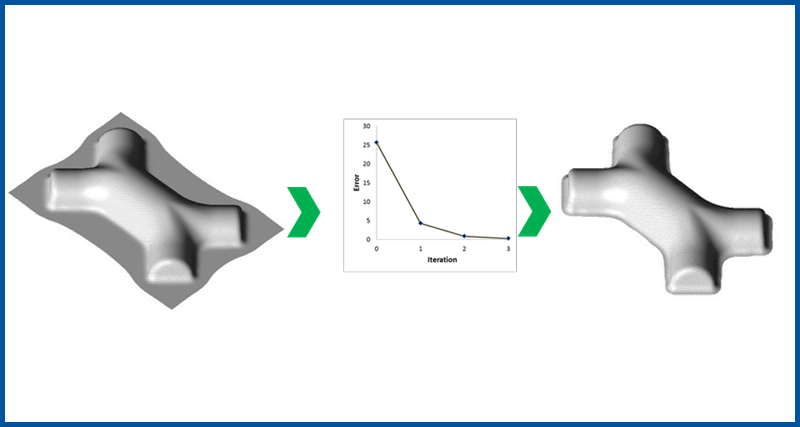
Measure, Optimize, and Compensate Option
Accurately simulating the forming process is a huge first step, but adjusting the cutting and forming tools to create a part within tolerance is where the real time savings come from. Learn More
Drawbead Tool
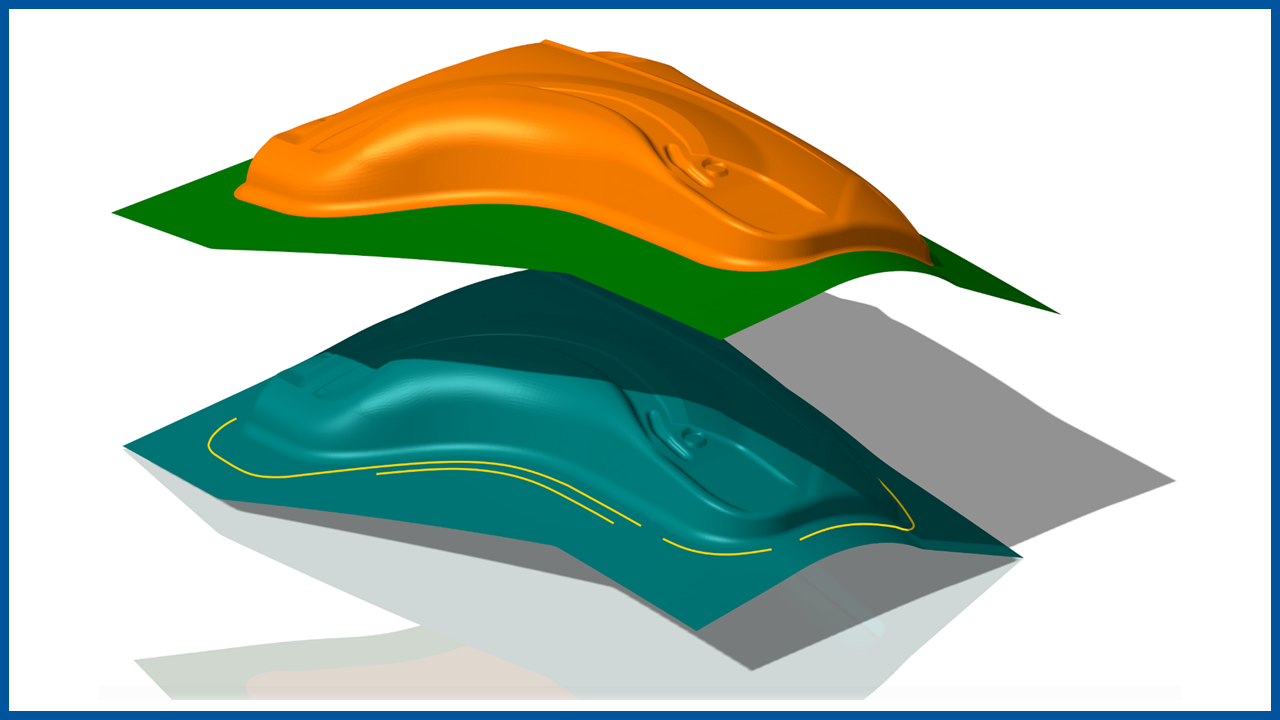
Calculate drawbead shapes and simulate them significantly faster as compared to adding physical draw beads to imported tooling surfaces. Learn More
Robustness Analysis with CAPY-Q.form
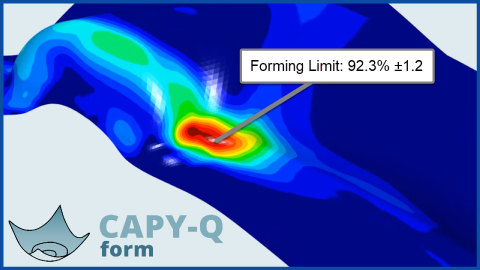
CAPY-Q.form is used for varying multiple user-selected parameters like material properties, pad pressures, and friction. The parameters can differ from press to press and coil to coil causing an unreliable die. Simulating these parameters will ensure that you create a robust die design that can hold up to these changes. Learn More
Stampack Results Viewer
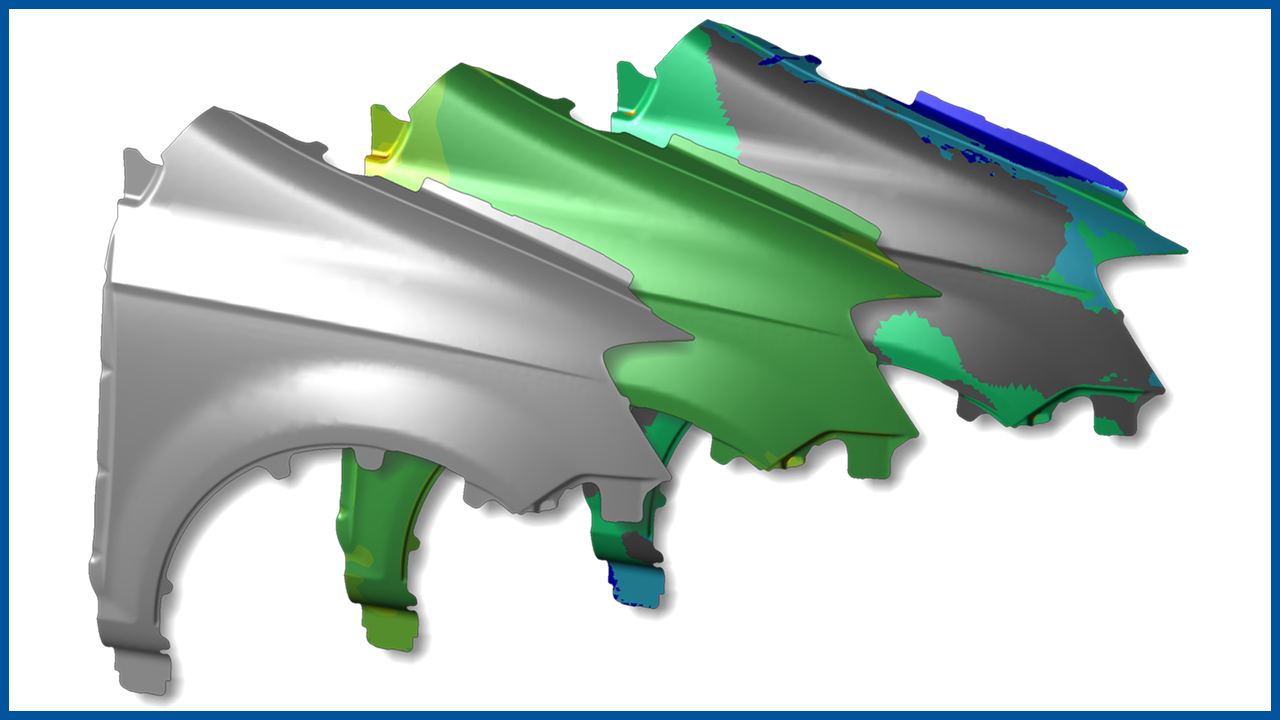
A FREE tool to view Stampack Simulation results without the need for a seat of Stampack. Learn More