Trim Optimization
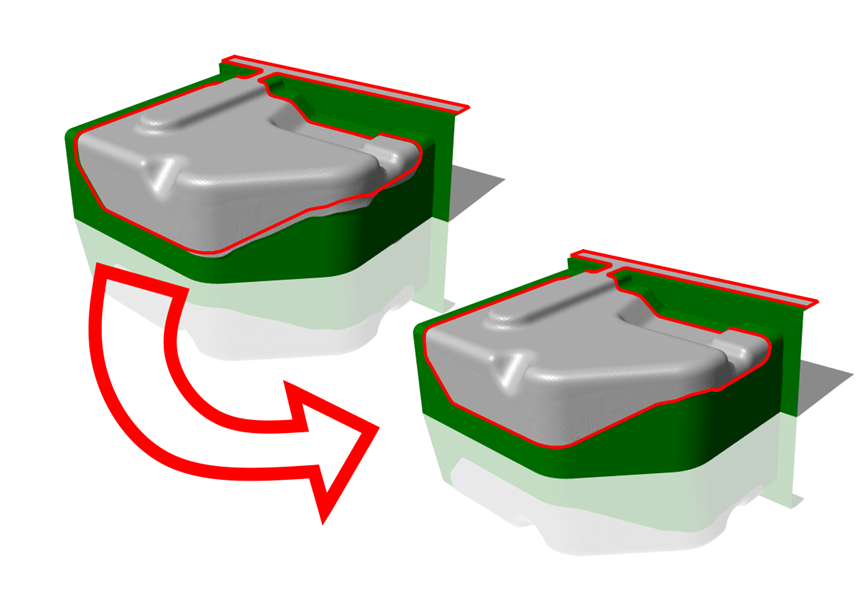
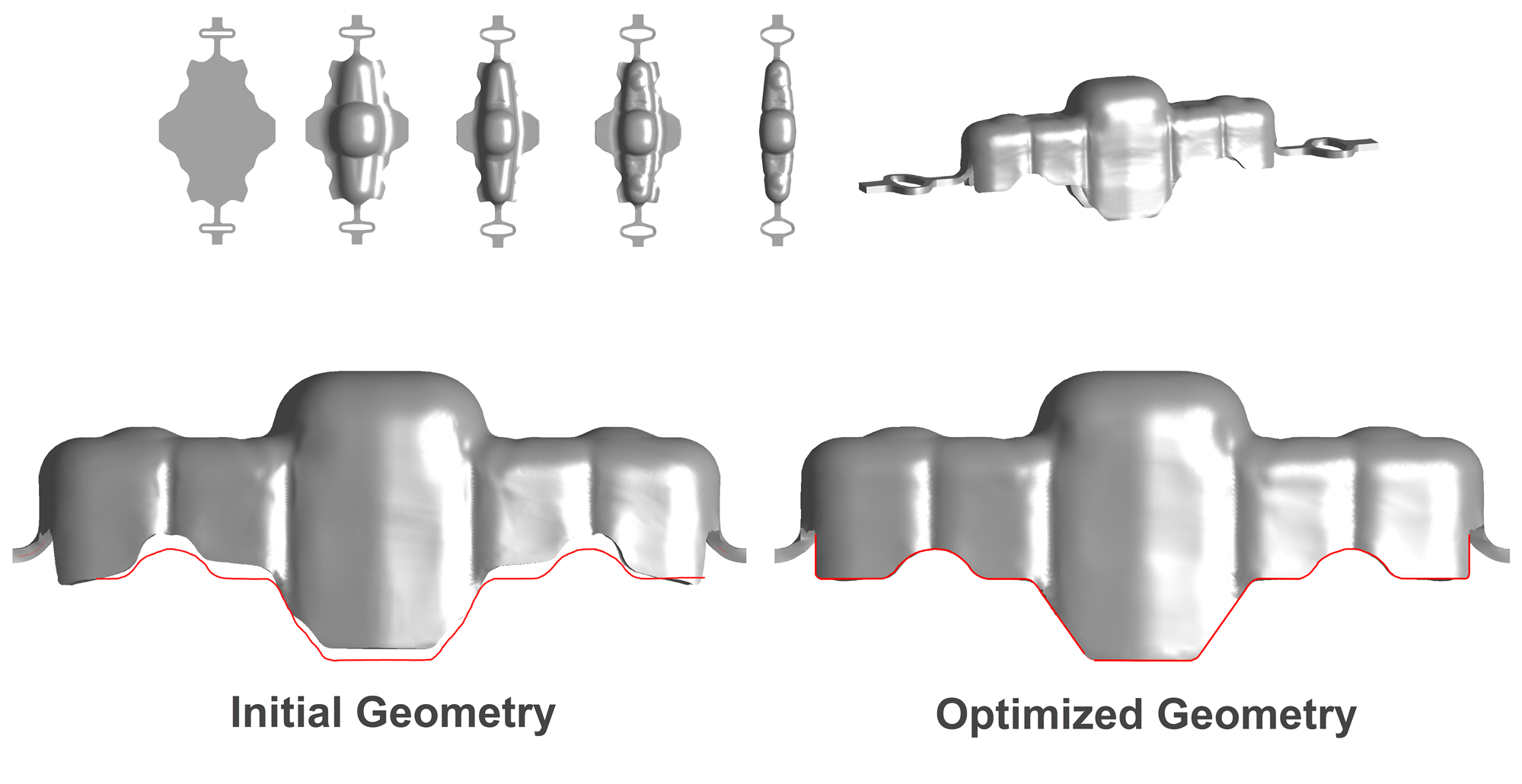
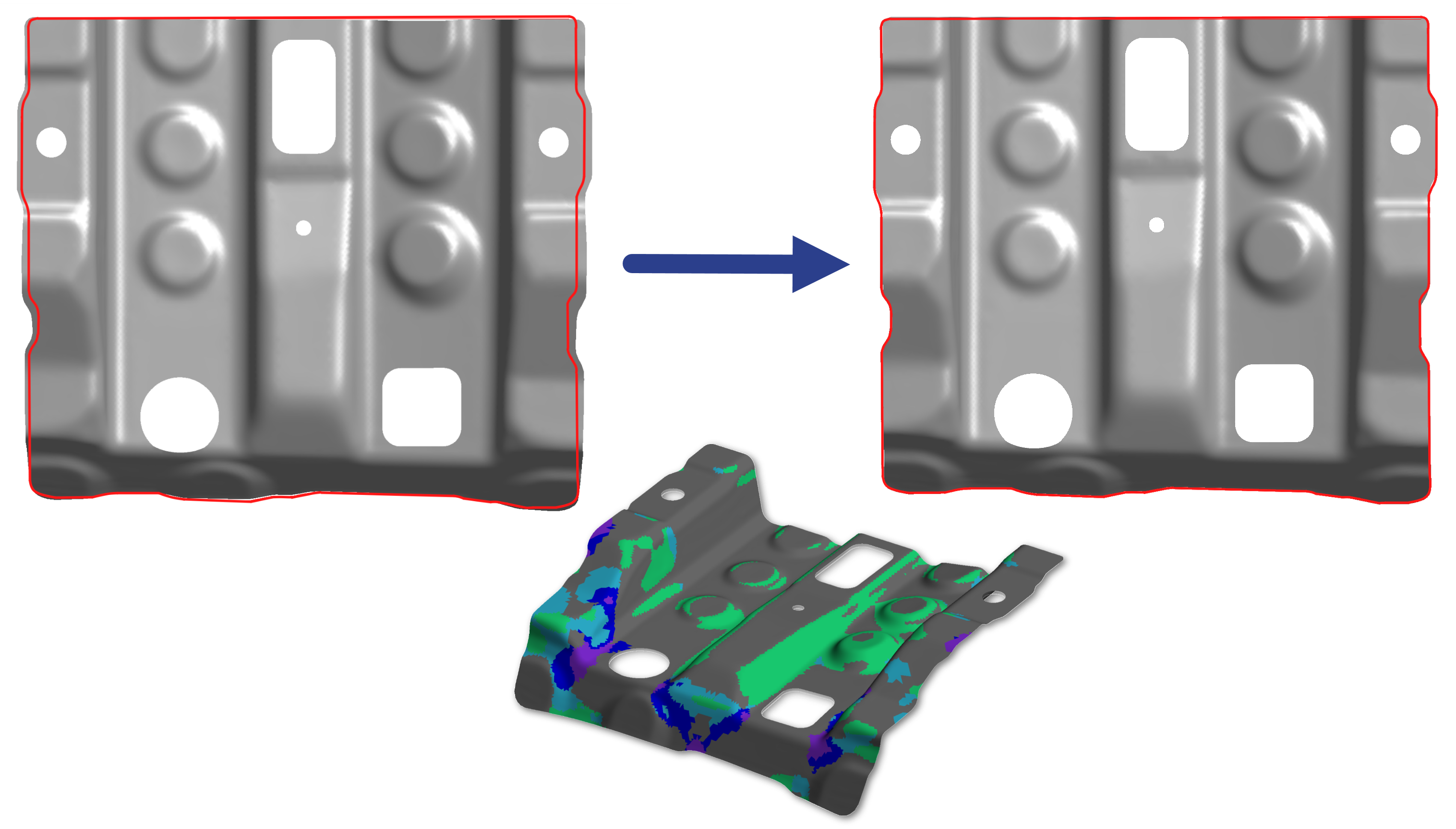
Trim Optimizer is an automatic trimming line optimization module. It is an essential tool for the determination of optimum blank shapes and trimming lines. The trim line is rapidly determined to ensure that the desired shape and dimensions of the part boundary are obtained at the end of those operations which follow the trimming operation.
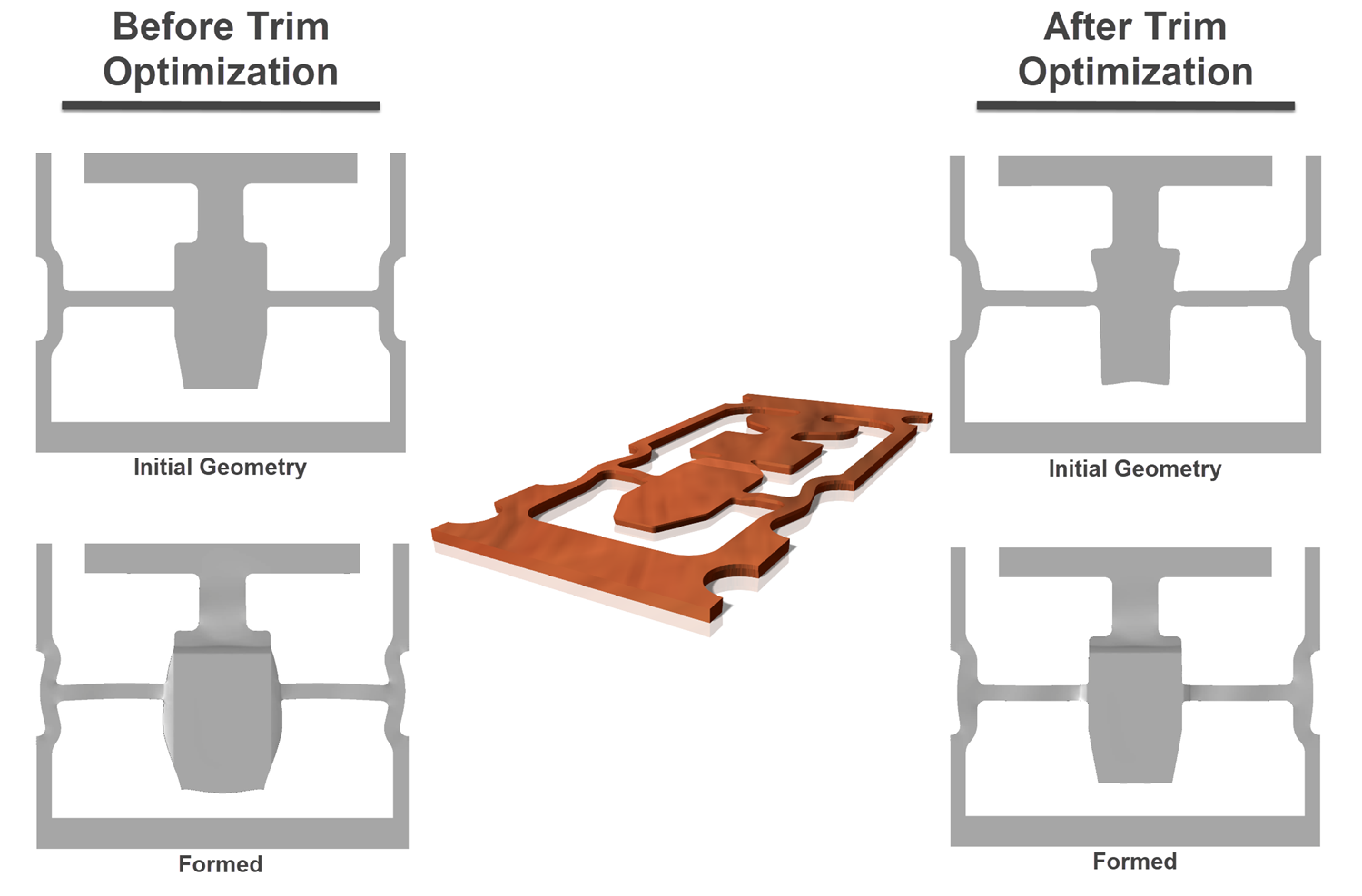
Trim Optimizer automatically adjusts the trim line to remove or add sheet metal until the desired part boundary is achieved. Optimum trim line-blank shape is necessary for the sheet metal forming process. The trim optimization not only prevents the wastage of material or reduces product development period but also improves product quality and reduces occurrence of defects like wrinkling and tearing.
Especially for multi-stage processes, the Trim Optimizer delivers significantly better results than the standard methods based on inverse one-step simulation.
Thick Deep Drawn Parts
Drawbeads can be simulated in any Stampack simulation by including the drawbeads in the tooling surface models, but the Stamapck Drawbead Tool add-on can drastically speed up both the engineering of the drawbead design and the simulation of the resulting part with the drawbeads. Given a material type and thickness, and a desired amount of restrictive force, this tool will calculate the precise size and shape of drawbead needed. Then the simulation can be run without needing to manually create these drawbeads in the tooling models. Further, simulations with these mathmatical drawbeads are calculated significantly faster than simulations with drawbeads physically modeled into them. A must-have option for anyone developing stamping processes for large panels!
Large Panels
Drawbeads can be simulated in any Stampack simulation by including the drawbeads in the tooling surface models, but the Stamapck Drawbead Tool add-on can drastically speed up both the engineering of the drawbead design and the simulation of the resulting part with the drawbeads. Given a material type and thickness, and a desired amount of restrictive force, this tool will calculate the precise size and shape of drawbead needed. Then the simulation can be run without needing to manually create these drawbeads in the tooling models. Further, simulations with these mathmatical drawbeads are calculated significantly faster than simulations with drawbeads physically modeled into them. A must-have option for anyone developing stamping processes for large panels!
Optimizing Coined Geometry
Drawbeads can be simulated in any Stampack simulation by including the drawbeads in the tooling surface models, but the Stamapck Drawbead Tool add-on can drastically speed up both the engineering of the drawbead design and the simulation of the resulting part with the drawbeads. Given a material type and thickness, and a desired amount of restrictive force, this tool will calculate the precise size and shape of drawbead needed. Then the simulation can be run without needing to manually create these drawbeads in the tooling models. Further, simulations with these mathmatical drawbeads are calculated significantly faster than simulations with drawbeads physically modeled into them. A must-have option for anyone developing stamping processes for large panels!