Logopress3 Strip Layout
The strip layout module can be used for both progressive dies and transfer dies. It allows quick modeling of the true solid 3D strip in a very easy and logical way, resulting from our 25 years experience shared with passionate die designers.
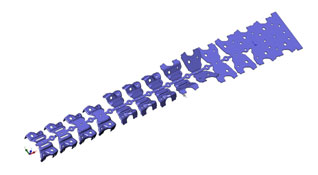
The Logopress3™ strip module can be started from a blank and a folding/stamping process that was first defined using the Logopress3™ Unbending and Flattening tools or from dumb imported data provided by your customers or partners.
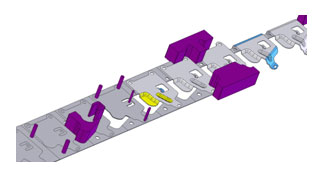
The Logopress3™ strip package is included inside the full die design package but can also be independently purchased if you don't need to design complete dies. Among other things, it also includes the flattening package and it's the perfect solution for your quotation needs.
Any kind of parts, even those with non-constant thickness or coining are able to be managed. It also allows managing multiple parts in one strip, whether they be identical, mirrored or completely different.
Key functions
- Multiple part management
- Nesting optimization
- Excel spreadsheet including useful data for quoting
- Drag and drop actions
- Mismatch Wizard
- Insert/delete stations
- Material usage info
- Force info
- Global center of force computation
- Local center of force computation
- Spring back management
- Capability to show or hide the previous stages
- Associativity with the Unbending/Flattening process
- OpenGL preview
- Automatic creation of internal punches
- Powerful assistant tool to define cutting punches in the skeleton
- Powerful assistant tool to define bending and forming punches
- Punch patterning
Round Draw
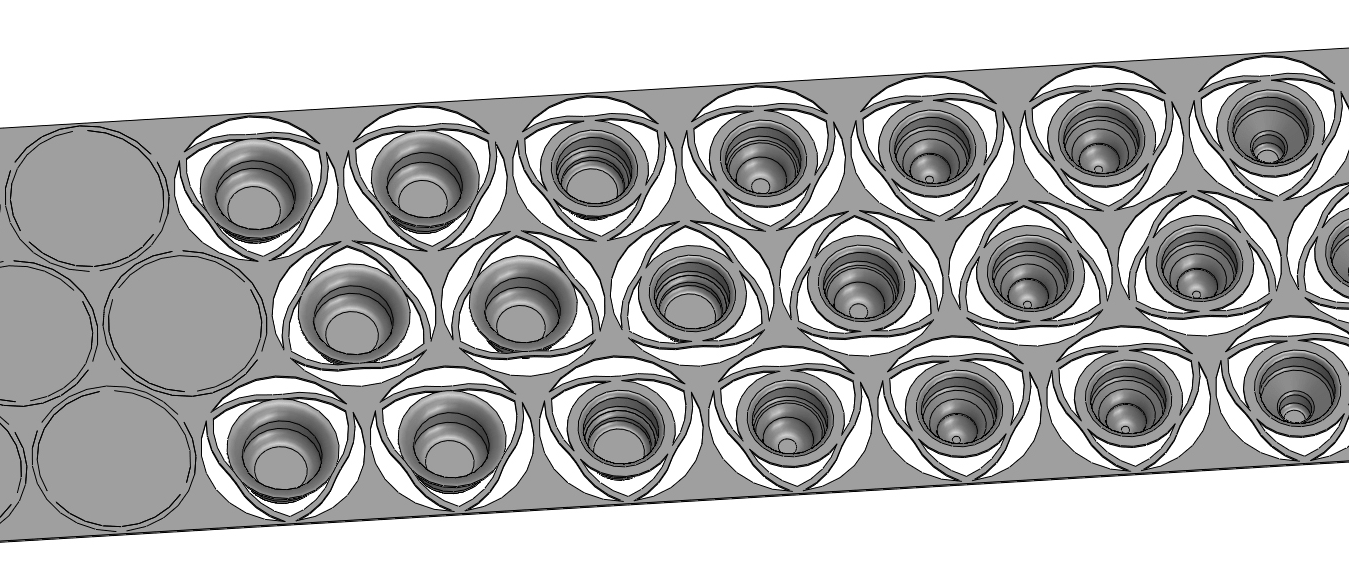
Logopress3™ strip layout module also includes great and specific features and capabilities dedicated to Round Draw Parts.
For those who have to manage these kinds of parts, this may mean saving several hours of work or even several days! Take a look at the pictures below. They speak more than a long explanation would, knowing that all of this is done in less than 5 minutes!
It’s also important to highlight that as everything is parametric, any changes can be done very quickly. In addition to that, you will find it very interesting to note that this is not newly developed technology, but rather has been well proven for over 20 years in our previous Logopress2 2D product as well.
Key functions
- Automatic computation of each intermediate stage
- Material type of drawn part automatically determines what draw reductions are used
- Draw reductions can be manually edited for each individual station
- Customizable computation database to include your experience and know how
- Automatic re-computation when changing a radius or a diameter
- Stripper pressure computation
- Automatic and customizable web management
- Graphical overlays of previous stations or subsequent stations
10 seconds for this:

Plus 2 minutes for this:

Plus 30 seconds for this: